top_banner_ttnormspro0426
Type foundryFonts & StylesMonoline For Cricut

Monoline Fonts For Cricut

Create vinyl lettering, product labels, and personalized stationery with a consistent typographic style. The Monoline Fonts For Cricut selection brings together TypeType families to compare for your next project. Explore their proportions, spacing, and available weights, then choose a design for the intended material and operation: cutting solid letter shapes is different from drawing a single writing path.

Purpose: Monoline For Cricut

Monoline Fonts For Cricut: Uniform Strokes or Single-Line Paths?

Monoline describes lettering with little visible variation in stroke thickness; it does not automatically mean single-line construction. When choosing Monoline Fonts For Cricut, keep this distinction central. A conventional outline typeface defines the edges of a filled shape. Changing its operation to Draw or Engrave can therefore produce outlined letters rather than a handwritten centerline. For pen work that follows individual strokes, look for a dedicated Writing style in Design Space. Thin weights are not a substitute for that structure. Use the families here to evaluate visual character, and verify the actual paths before planning a writing project.

Choosing Letterforms for Labels, Cards, and Signage

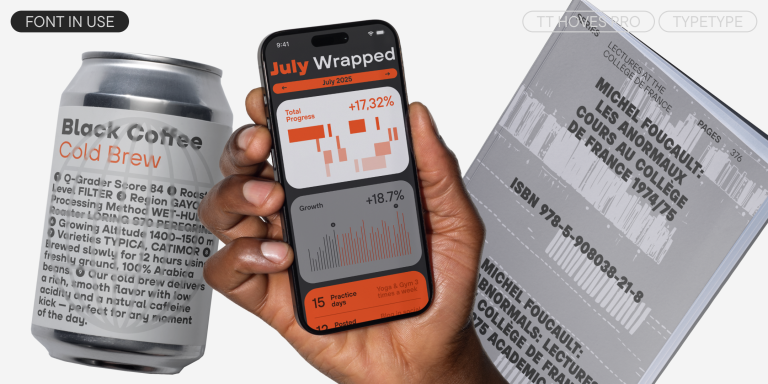
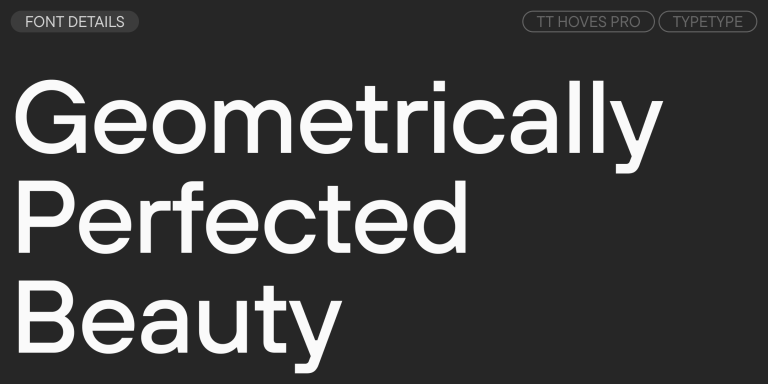
For understated labels or orderly signage, start with the geometric sans serif options in Monoline Fonts For Cricut. TT Norms® Pro offers a practical direction for a coordinated identity, while TT Hoves Pro provides another geometric approach with its own proportions and detailing. Compare the same product name in both rather than choosing by a sample alphabet alone. For short messages, assess the shapes of repeated letters and the balance between capitals and lowercase. Choose a weight that keeps small internal spaces open at the intended size. A lighter appearance is useful only when the finished lettering remains readable.

Using Monoline Fonts For Cricut in Design Space

Install the selected OTF or TTF file on Windows or macOS, then reopen Design Space to access it through the system list. Prepare Monoline Fonts For Cricut at their finished dimensions before adjusting letter spacing. For vinyl or iron-on lettering, inspect narrow joins, enclosed spaces, dots, and punctuation: these details need to survive cutting and weeding. Use a scrap of the intended material for a production test rather than relying on the canvas preview alone. Increase the size or weight when fragile parts lift or tear. Keep an editable copy before committing to permanent shape changes. Where separate letters overlap and should become one cut shape, use Weld or Unite to merge them. Use Attach instead when you need to preserve placement between drawing and cutting layers; it serves a different purpose. Select the appropriate operation for each layer and check that the required tools are compatible with your machine.

Monoline Fonts For Cricut: Explore the TypeType Collection

Browse the collection by the styles you actually need, whether that is a single weight for a decal or several coordinated weights for a product range. Open individual family pages to compare specimens, character coverage, and purchasing options. Check accented characters when producing personalized names in multiple languages. TypeType provides free trials for evaluation and client mockups; these files are not cleared for finished personal or commercial work. Before releasing merchandise, choose a license that covers its use. The Desktop license includes stationery, souvenirs, and other physical goods, with pricing based on the number of workstations. A publicly used logo requires the relevant Logo license. Treat licensing and production suitability as separate decisions: permission to sell an item does not establish that its lettering will work with a particular cutting or drawing setup. For a branded range, record the approved family, weight, and sizes so packaging, tags, and promotional pieces stay consistent.

  • The quick brown fox jumps over a lazy dog.
  • Pack my box with five dozen liquor jugs.
  • Sphinx of black quartz, judge my vow
  • 0123456789 !?.,:;—–()[]{}<> “quotes” ‘apostrophe’ @#%&*_+=/\| № $ € £ ₽ +−×÷=≠≤≥ … % © ® ™
  • Aa Bb Cc Dd Ee Ff Gg Hh Ii Jj Kk Ll Mm Nn Oo Pp Qq Rr Ss Tt Uu Vv Ww Xx Yy Zz
Leading
1.1
Tracking
0px
Bestseller
TT Norms® Pro Regular
104 font styles

The bestseller TT Norms® Pro—a geometric sans serif, trouble-free workhorse

Bestseller
104 font styles

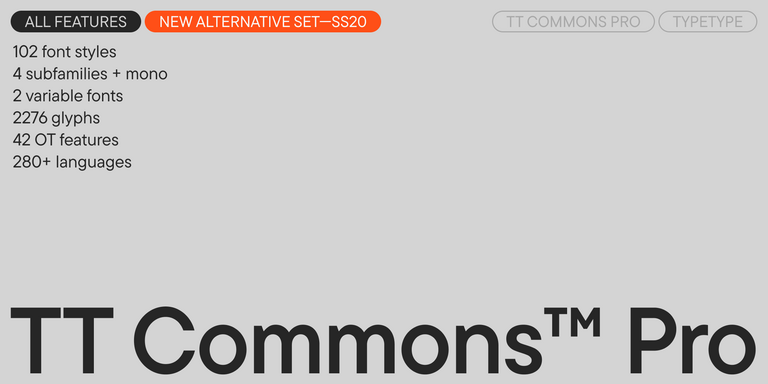
TT Commons™ Pro is a completely redesigned version of the well-established classic font family TT Commons.

Bestseller
TT Hoves Pro Regular
96 font styles

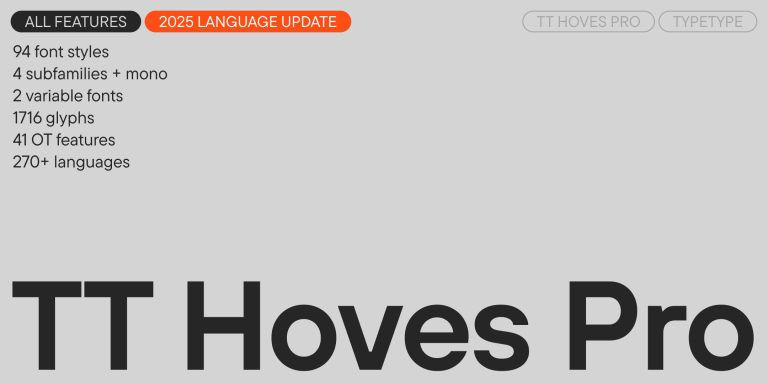
TT Hoves Pro is a versatile sans-serif with a recognizable geometry

TT Rationalist Regular
22 font styles

TT Rationalist is functional and neutral slab serif typeface.

4 font styles

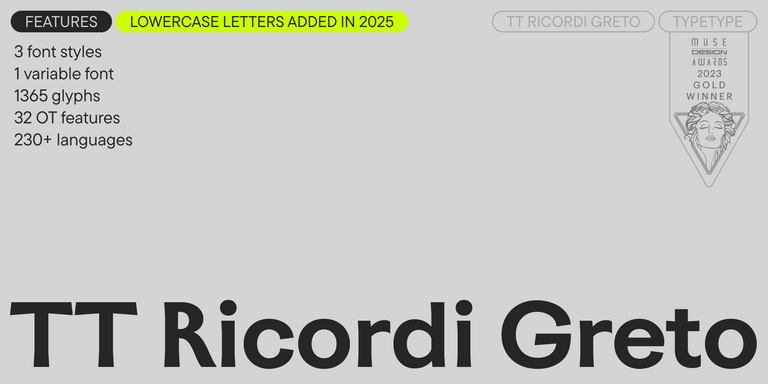
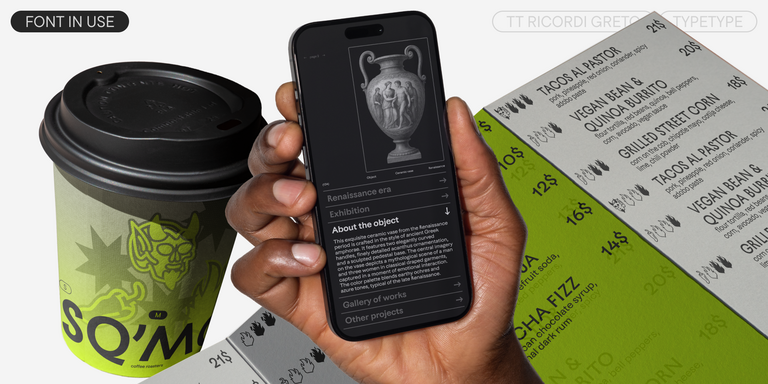
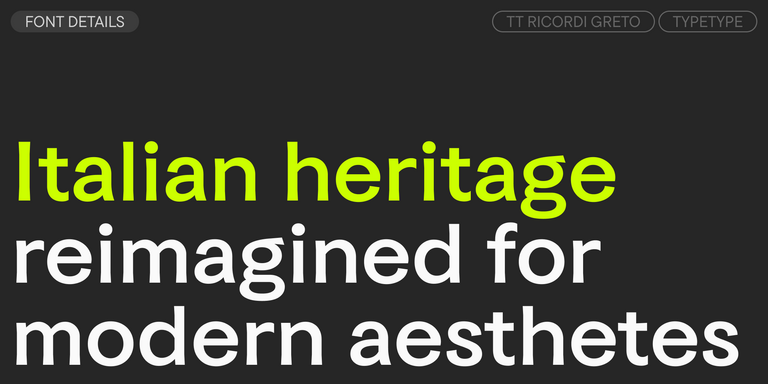
TT Ricordi Greto is an experimental project, inspired by a floor plaque dating from 1423 found in the Basilica di Santa Croce, Florence.

New
TT Gertika Regular
4 font styles

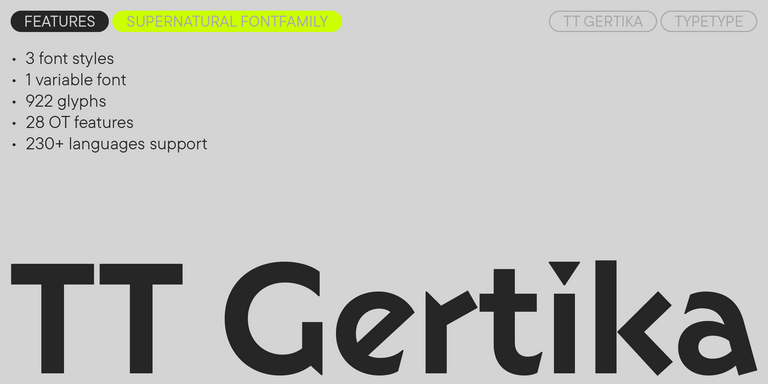
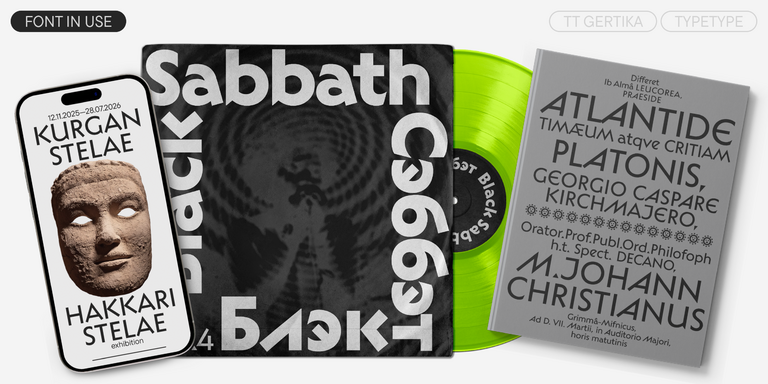
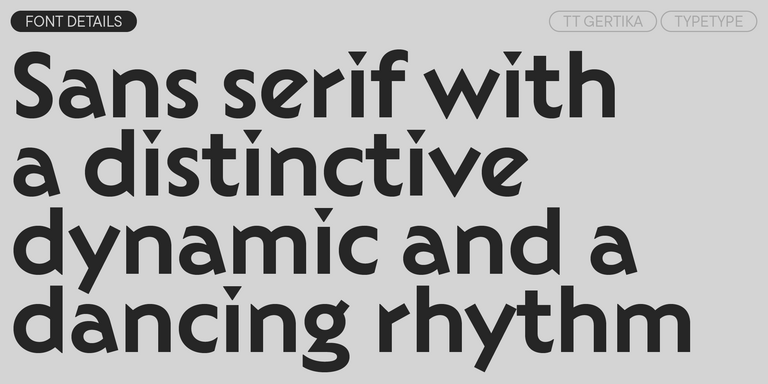
TT Gertika is a geometric sans serif with a dynamic character and a dancing rhythm. This font`s idea originates from the lettering featured on an American poster from the late 1930s.

New
TT Biersal Upright
6 font styles

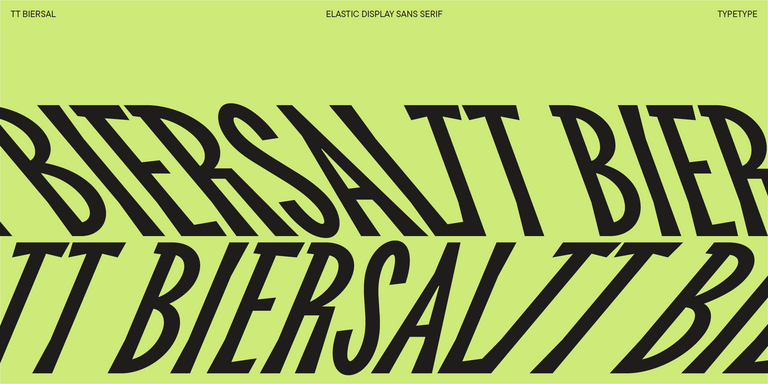
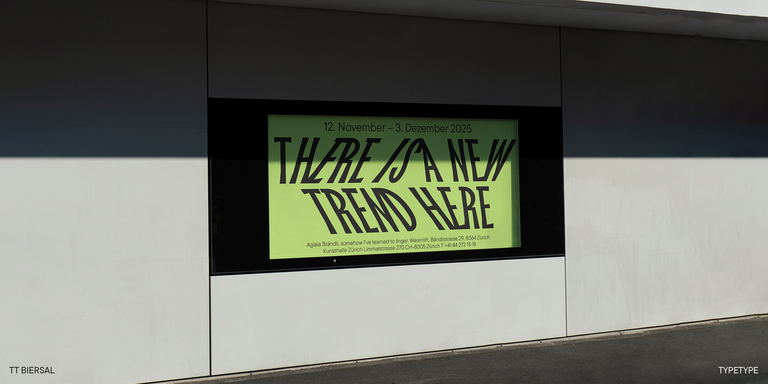
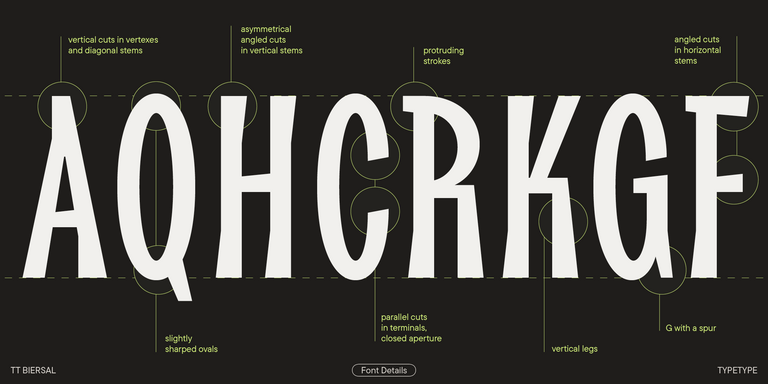
TT Biersal is a display sans serif with a free-spirited, playful, and adventurous nature. The concept of this font was sparked by a German poster from the early 1930s.

TT Ricks Regular
4 font styles

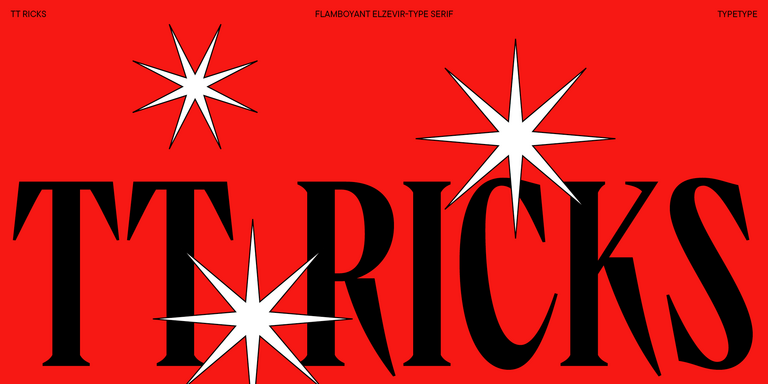
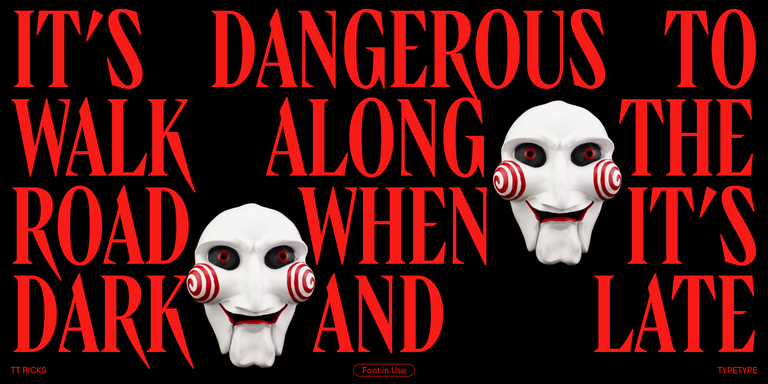
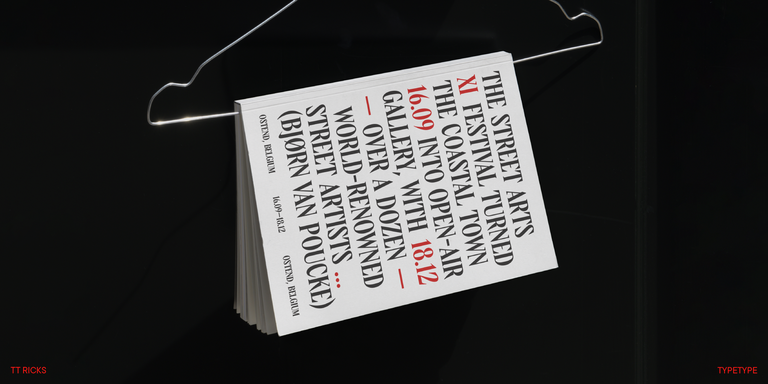
TT Ricks is a flamboyant elzevir-type serif, for which the words “cute” or “calm” are not a fitting definition.

TT Espina Regular
7 font styles

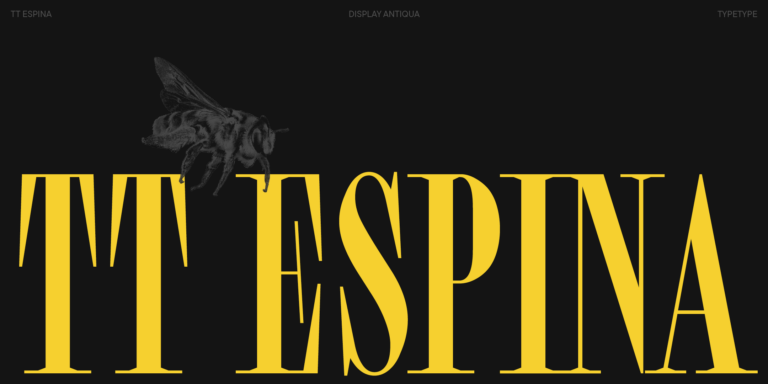
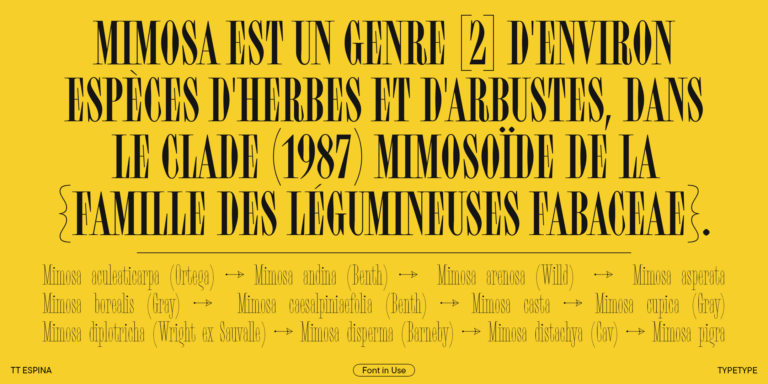
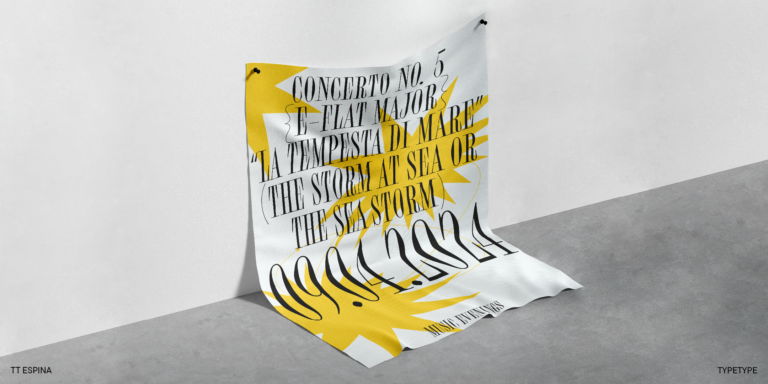
TT Espina is a display antiqua with expressive serifs

3 font styles

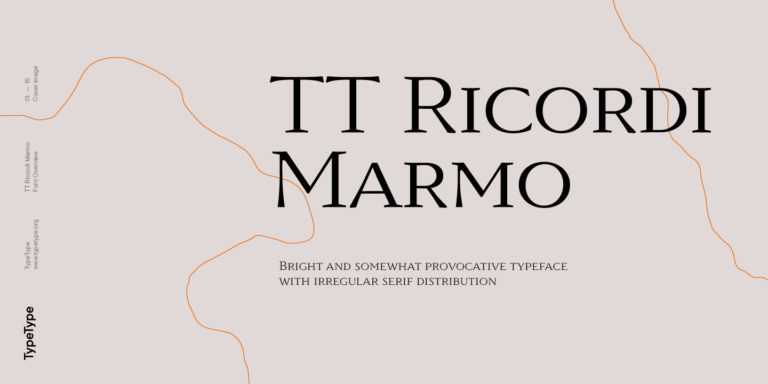
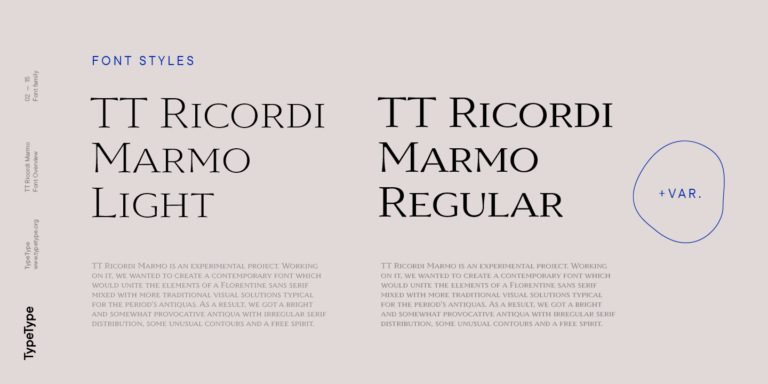
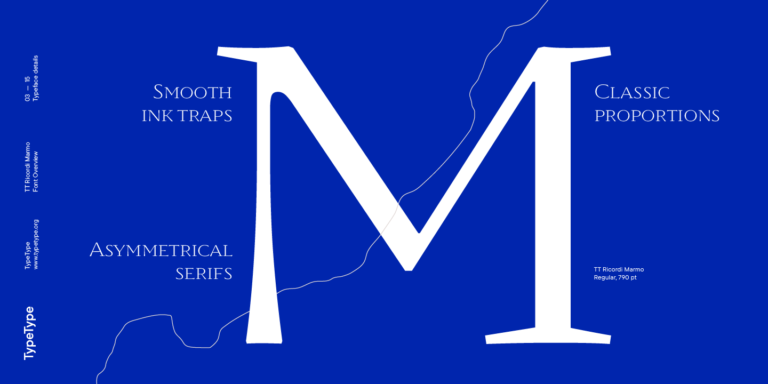
TT Ricordi Marmo is an original experimental project inspired by inscriptions at Basilica di Santa Croce in Florence.

What Are Monoline Fonts For Cricut?

They are typefaces considered for Cricut projects where visually consistent stroke thickness is part of the design. That appearance alone does not confirm that a pen will follow a single centerline. Check whether your chosen style is outline-based or specifically prepared for writing.

Which Industries Use Monoline Typefaces Most Often?

They can suit event stationery, gift personalization, retail packaging, and small business signage. A restrained style can help organize names, dates, and product information without competing with illustrations. Choose according to the surface and viewing distance, rather than assuming one treatment suits an entire industry.

Can Monoline Fonts For Cricut Be Used for Branding?

Yes. Use them to establish a consistent treatment across packaging, labels, and promotional materials, with clear roles for headings and supporting copy. Keep production constraints in view when extending an identity to small physical items, and select TypeType’s Logo license for a public-facing wordmark.

What Should Be Considered When Pairing Monoline Fonts?

Pair by function first: a distinctive name or headline can sit above quieter supporting text. Compare proportions, stroke weight, and spacing at the actual output size. Avoid two competing display styles, and give the smallest text enough weight and room to remain legible.

Can You Buy or Download TypeType Fonts for Commercial Projects?

Yes. TypeType offers paid styles with licenses selected for their intended use, plus free trial downloads for evaluation. Trials are not a substitute for commercial permission. For products you sell, review Desktop coverage and any additional requirements before moving from mockups to production.

Contact us!